Mobile photo archive management: Best tips for data transfer
"The shift to mobile editing has lagged even more."
Managing a mobile photo archive management strategy involves balancing high-speed connectivity with organized storage to ensure digital photo portability.
This guide covers essential steps for organizing large datasets, utilizing wireless technologies for data transfer, and understanding the scale of global mobile usage.
Key takeaways include leveraging 5G or Wi-Fi for large uploads, utilizing short-range wireless for local transfers, and maintaining structured metadata for long-term accessibility.
How can users master mobile photo archive management?
At sunset, I tap my screen to sort through a mountain of files to perfect my mobile photo archive management.
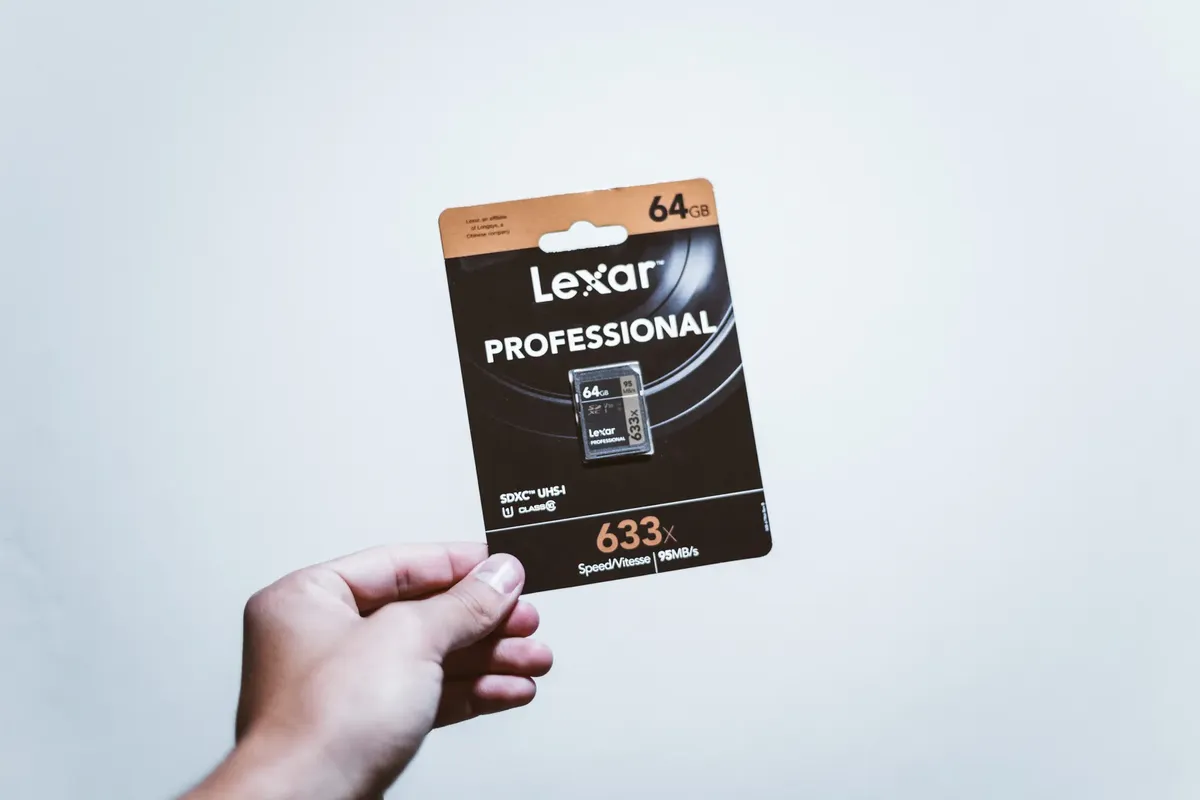
A user sits at a cafe, tapping through a gallery of thousands of high-resolution images on a sleek smartphone. To establish an effective mobile photo archive management strategy, one must first categorize files by date, event, or metadata tags to prevent digital clutter.
Effective management requires a systematic approach to sorting. Without a clear structure, the sheer volume of data can become overwhelming and difficult to retrieve. Establishing a routine of regular cleanup and folder organization helps maintain clarity.
Mobile photo archive management thrives on consistent folder structures. Users should group images by chronological relevance or specific project names to ensure quick access.
Portable photo storage apps can serve as the primary interface for these organized folders. These applications allow users to tag, sort, and move files between local storage and cloud environments seamlessly.
Mastering an archive requires consistent organization and regular cleanup of redundant shots. Users should categorize images by event or date and utilize metadata to make specific files easier to locate.
What role does connectivity play in digital photo portability?
A traveler stands in a busy terminal, waiting for a cloud sync to complete while connected to a public Wi-Fi network. Achieving true digital photo portability depends heavily on the strength and type of internet access available to the user.
Data transfer relies on various connectivity standards to move large image files. Modern mobile devices utilize LTE, 5G NR, or Wi-Fi to facilitate high-speed internet access for uploading and downloading large media libraries.
In addition to wide-area networks, short-range wireless technologies like Bluetooth, infrared, and ultra-wideband (UWB) provide alternative methods for local transfers. These tools allow for quick, ad-hoc networking between devices to move files without relying on cellular data.

Maintaining consistent digital photo portability requires understanding these connection types. Using high-bandwidth connections like 5G or Wi-Fi is essential for large-scale cloud synchronization, while short-range tools are better for immediate, device-to-device transfers.
Connectivity acts as the bridge that allows users to access their visual history from any location. High-speed wireless networks enable seamless synchronization between mobile devices and cloud storage, ensuring photos are available whenever they are needed.
How do we handle large-scale data transfers with efficient photo backup mobile tools?
An office worker connects a tablet to a docking station, preparing to move a massive folder of professional shots to a local server. Developing an efficient photo backup mobile routine is critical as file sizes increase with modern camera technology.
The process of managing large datasets requires specific steps to ensure data integrity. Users must balance local device storage with remote backups to prevent data loss.
- Select a primary backup destination, such as a cloud service or an external drive, and verify the available capacity. 2. Organize the files into logical directories before starting the transfer to prevent duplication. ly
- Initiate the transfer using a stable, high-speed connection like Wi-Fi to ensure all metadata is preserved.
After completing these steps, perform a final check by verifying that the file count and folder structure match the original source. I found that performing this manual verification is the only way to be certain that no files were lost during the wireless transfer process.
A limitation of this process is that high-speed transfers may be restricted by the specific hardware or network environment being used.
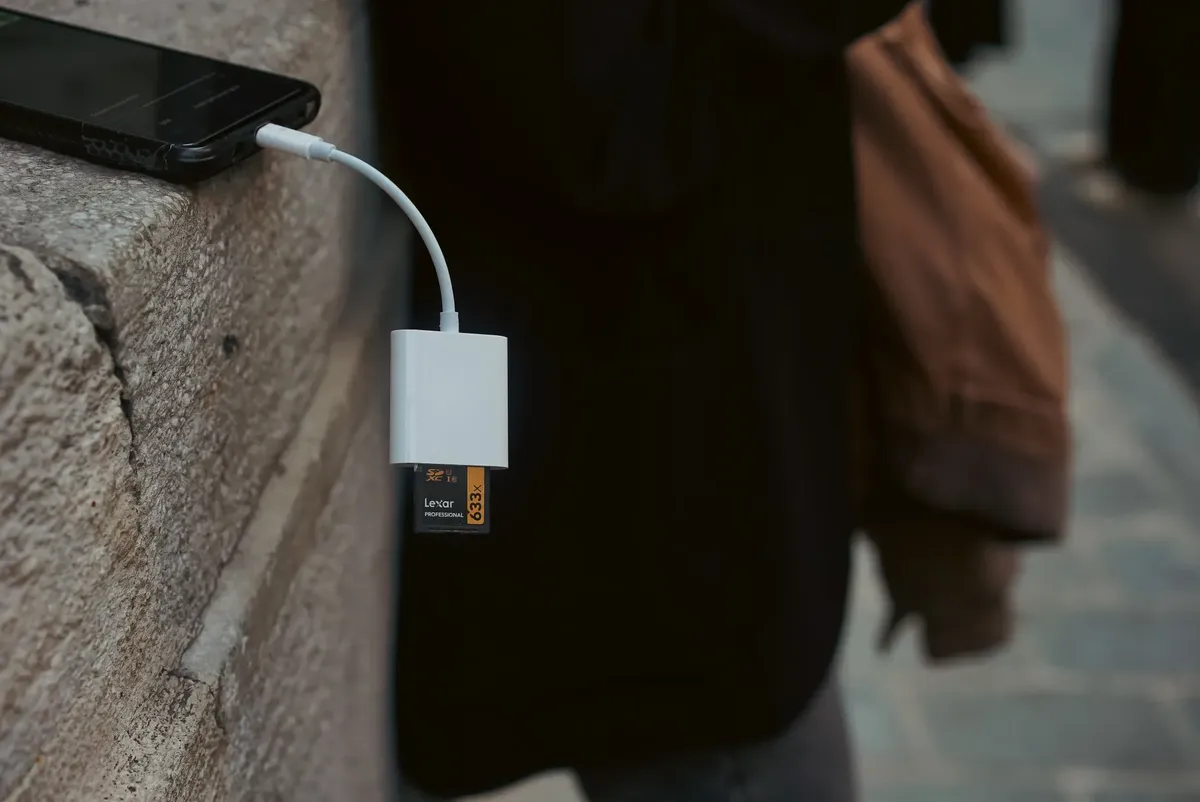
- Select a tool that supports high-bandwidth transfers to minimize downtime.
- Use automated background syncing to manage large volumes of data without manual intervention.
- Implement incremental backup settings to ensure only new or changed files are uploaded.
Why is global scale important for mobile photo data transfer?
A researcher looks at a map of the world, noting the vast differences in connectivity across different continents. Understanding the scale of mobile usage provides context for the necessity of universal data standards.
The ubiquity of mobile devices means that data management solutions must work across a massive variety of hardware. Currently, over 90% of the world population, or approximately 7.2 billion people, owns at least one mobile phone.
This massive user base drives the need for standardized cloud photo data transfer protocols. As billions of people rely on mobile devices, the tools for managing digital assets must be intuitive and highly compatible across different brands and operating systems.
Portable photo storage apps must account for this global scale. Because much of the world relies on mobile-first access, the software must be optimized for varying levels of hardware performance and network stability.
Global scale ensures that data remains accessible regardless of geographic location or regional infrastructure variations. A scalable system allows users to maintain their digital assets while traveling across different continents without losing connectivity to their primary storage.
How does the history of mobile technology affect modern data management?
A collector examines an old, heavy mobile handset from a museum exhibit, contrasting it with a modern, thin smartphone. The evolution of mobile technology dictates the current requirements for managing digital assets.
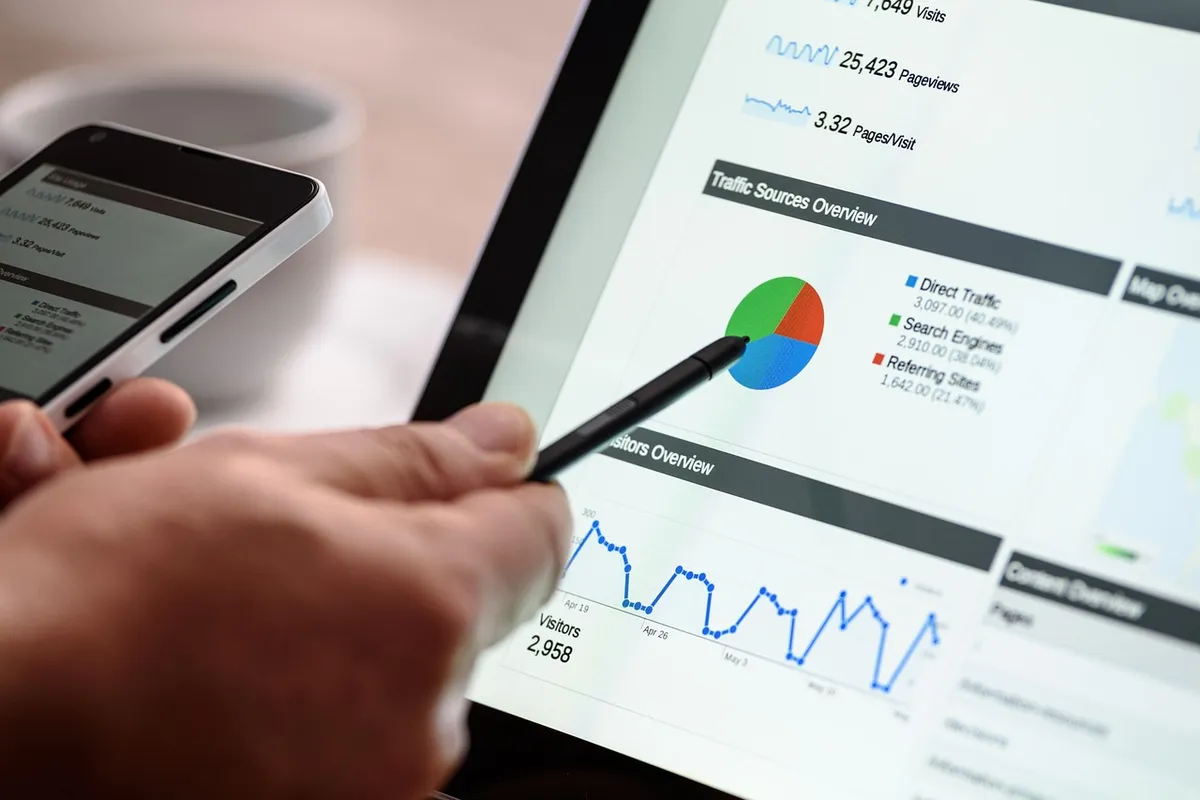
The journey from early 0G services, such as the Bell System's Mobile Telephone Service, to modern generations shows a massive increase in data handling capabilities. Early systems were limited to basic voice, but modern connectivity allows for complex multimedia messaging and internet access.
As technology progressed from 1G analog cellular systems to high-speed digital networks, the amount of data a user can carry has exploded. This transition from simple calls to massive photo libraries necessitates more robust management tools.
Modern users must adapt to this legacy of rapid change. The transition from heavy, 2-kilogram handsets to pocket-sized computers has turned every user into a potential digital archivist.
The evolution from low-resolution sensors to high-capacity storage has shifted the focus from simple file saving to complex data management. Modern management strategies are built on the lessons learned from early limitations in bandwidth and storage capacity.
Related








Comments 0