Mobile photo sharing strategy: Why optimize photo posts now
"The smartphone changed everything, turning every pocket into a studio and every moment into a potential post."
Successful mobile photo sharing requires understanding platform demographics and technical constraints to ensure your content reaches the right audience. This guide covers how to navigate different social environments, managing file sizes, and adapting to various user age groups.
We will look at platform-specific nuances, the reality of global connectivity, and the limitations of current digital sharing.
How to manage a mobile photo sharing strategy?

At sunset, I tap the glass screen to upload a landscape, feeling the warmth of my mobile device against my palm.
A user taps a smartphone screen to upload a vibrant landscape, waiting for the progress bar to finish. Developing a mobile photo sharing strategy involves selecting the right platform for your specific visual content.
Different platforms serve different purposes, from quick updates to high-resolution galleries. For instance, some users prefer short-form video stories that disappear after a day, while others seek permanent visual archives.
Understanding these features helps in choosing the right medium for your photography.
The transition from professional cameras to mobile devices was driven by high-quality sensors and cloud services like Google Photos, Dropbox, and iCloud Photo Library. These tools revolutionized the way people take, store, and access their photos.
This shift makes a mobile photo sharing strategy essential for anyone communicating visually.
- Define your visual brand identity.
- Select the appropriate platforms for your target audience.
- Establish a consistent posting schedule.
What are the best social media photo tips?
An artist adjusts the brightness on a phone screen before hitting the share button. Effective social media photo tips often involve tailoring the aspect ratio and resolution to the specific app being used.
The speed of sharing can vary significantly based on the file type. For example, historical data showed it took 6 minutes to transfer a black-and-white image and 24 minutes for a color photo. This illustrates why optimizing file size is a vital part of any social media photo tips routine.

Users must also consider the audience's attention span. While some platforms favor high-definition stills, others are built for rapid-fire engagement through stories or short clips. Mastering these subtle differences is key to maintaining engagement with followers.
In this sequence, the second step is the most detailed.
According to Pew Research Center, the 2021 record includes 70%.
How can I achieve the best photo sharing online?
A traveler scrolls through a feed of stunning travel photography on a tablet. Achieving the best photo sharing online requires matching the visual tone to the community's expectations.
A 2021 Pew Research Center poll reported roughly 70% of users regularly get news from social media, despite the presence of fake news and misinformation, according to the Pew Research Center.
In certain regions, engagement levels have been high; for example, in Great Britain, 70% of online users engaged in image sharing in 2013, and 64% of British users shared their photos through a social network. This level of engagement shows that visual communication is a primary way people connect.
The timing of posts can also influence visibility. Since social networks often serve as news sources—with a 2021 Pew Research Center poll reporting that roughly 70% of users regularly get news from social media—visual content often accompanies breaking stories.
Keeping your uploads timely ensures they remain relevant to the current conversation.
What is a modern mobile content strategy?
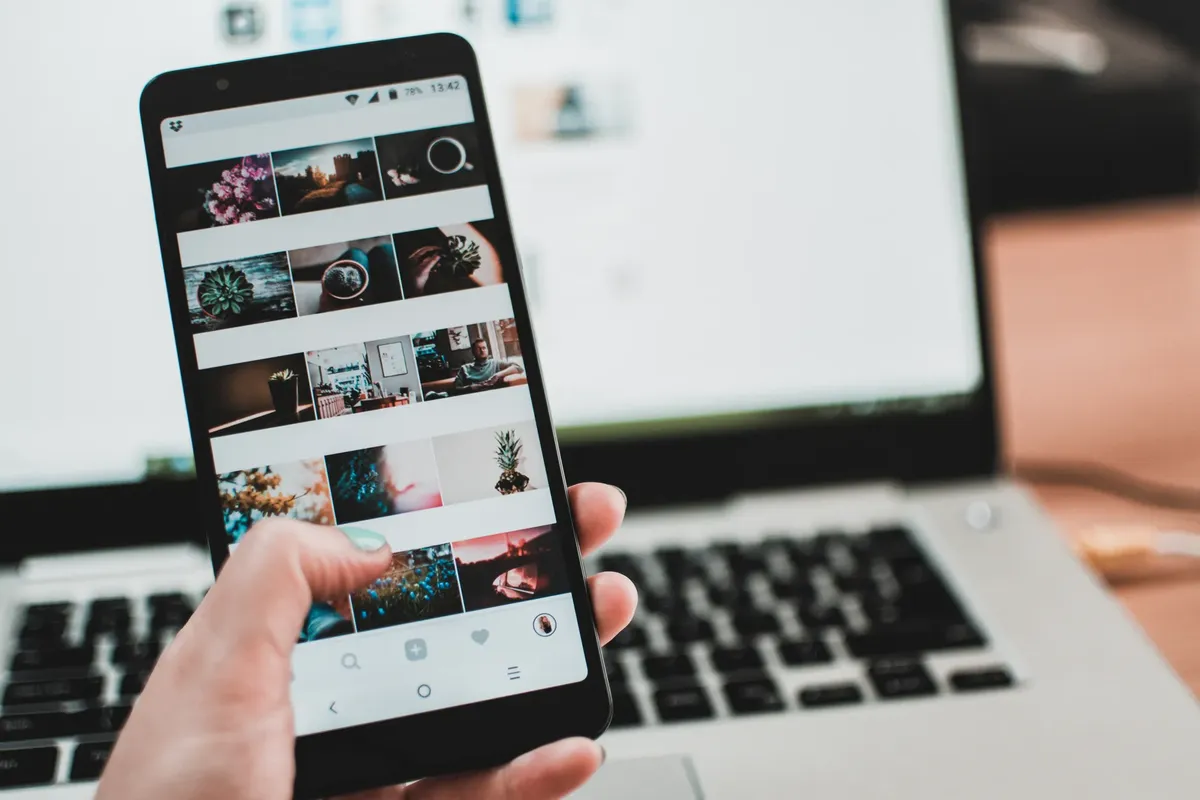
A content creator organizes a digital folder of images to prepare for a scheduled post. A successful mobile content strategy involves diversifying the types of media you release to keep an audience interested.
A robust mobile content strategy might include a mix of static images, short videos, and interactive stories. Some platforms have implemented features like stories—short videos that self-destruct after 24 hours—to encourage more frequent, casual sharing.
You should also account for the global reach of these platforms. As of 2023, as many as 4.76 billion people used social media, which represents about 59% of the global population. This massive scale means your content can reach anyone, anywhere, provided it is optimized for mobile viewing.
How do I master digital photo communication?
A student captures a classroom moment and immediately sends it to a group chat. Mastering digital photo communication means understanding the demographic of the people viewing your work.
For example, a 2019 survey found that Twitter users are three times as likely to be younger than 50 years old. This demographic reality suggests that digital photo communication styles should be adjusted based on whether the target audience is younger or older.
Understanding user habits helps in crafting messages. Since users spend a significant portion of their online time on social networks, your visuals must be impactful enough to compete with the constant stream of information.
Is there a way to optimize mobile photo posts?

A photographer selects a high-resolution file for a professional profile. When you aim to in optimizing mobile photo posts, you must balance quality with upload speed and platform requirements.
One way to approach optimizing mobile photo posts is to check the platform's specific compression algorithms. Some apps may degrade your image quality more than others, so testing your uploads is a practical step.
A final check of your work ensures that the colors and framing look correct on different screen types. Ensuring your images are legible and striking on a small mobile screen is just as important as the composition itself.
This part also covers Engaging social media visuals.
Platform specific photo sharing
Related








Comments 0