Light affects phone photos: Mobile photo lighting guide tips
"The shift to mobile editing has lagged even more."
Understanding the principles of mobile photography lighting allows users to capture professional-quality images regardless of the device. This guide covers how light interacts with sensors, how to choose between natural and artificial sources, and how to manage shadows for better depth.
Key takeaways include recognizing light direction, managing intensity, and understanding the hardware limitations of modern smartphones.
How does light affect mobile photography?
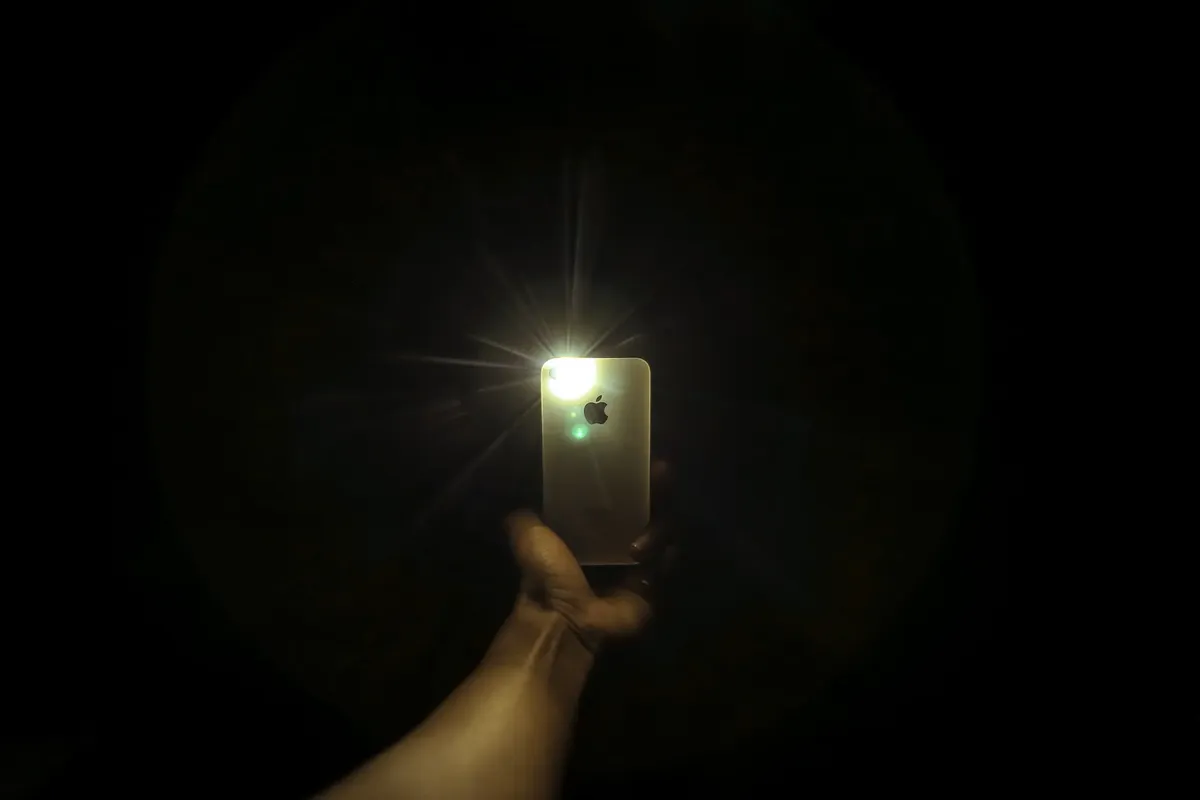
A photographer stands in a sunlit park, adjusting the exposure slider on a smartphone screen to balance a bright sky with a shadowed subject. The way light hits a sensor determines the clarity, color accuracy, and depth of every shot.
The relationship between light and the sensor is the foundation of all photography. When light enters the lens, it creates the visual data that the mobile processor interprets.
Since mobile sensors are usually smaller than professional DSLR sensors, managing light is even more crucial to prevent noise or blown-out highlights. Choosing light for mobile devices requires an understanding of how much energy is hitting the lens at once.
Effective light use mobile involves observing how light wraps around subjects. Hard light creates sharp, defined shadows that can add drama but may obscure detail. Soft light, such as that from an overcast sky, provides even illumination that is often more forgiving for portraits.
Understanding how light affects phone photos means learning to balance these two extremes to achieve the desired mood.
Light dictates the sensor's ability to capture detail, color accuracy, and noise levels in your shots.
What is the best light for phone pics?
A person walks through a quiet museum, noticing how the soft glow from a window illuminates a sculpture without creating harsh glares. Finding the right source is often about finding the most consistent and flattering light available.
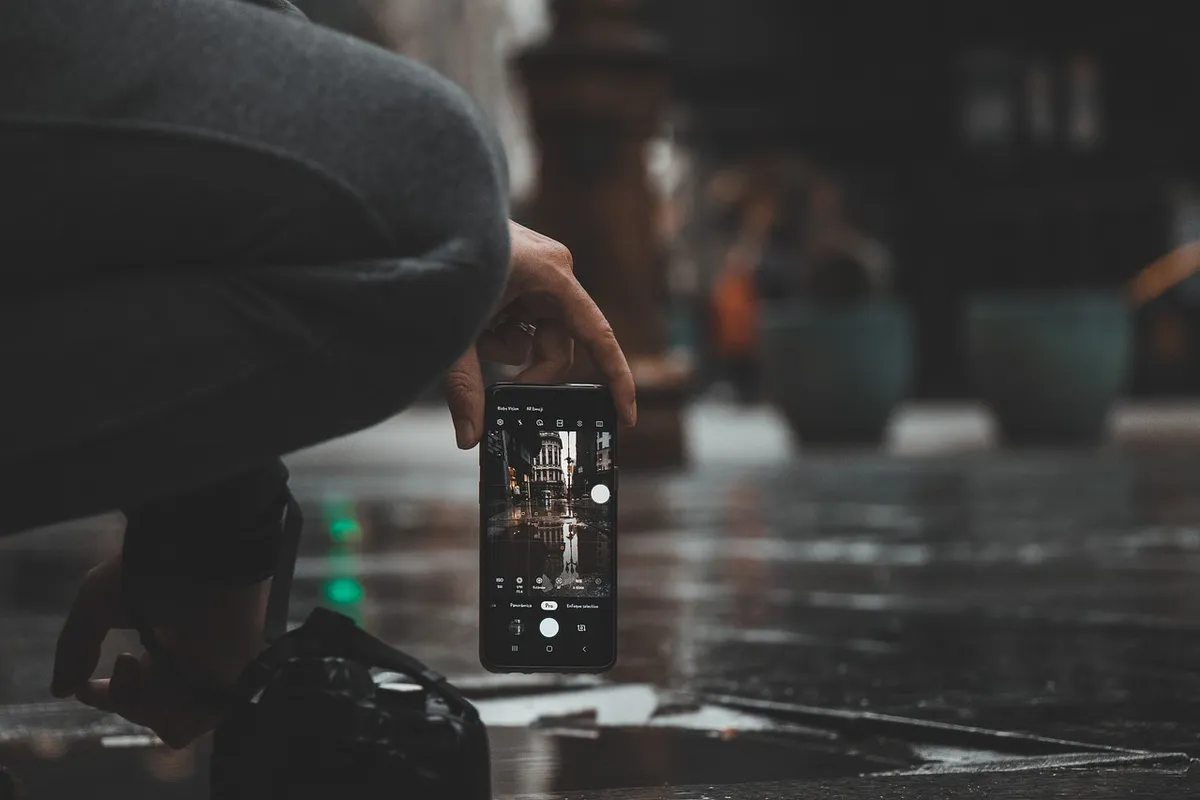
The best light for phone pics is often natural, diffused light. This type of illumination mimics a large softbox, smoothing out skin tones and reducing harsh shadows. When using sunlight, looking for "golden hour" or shade can provide a much more professional look than direct midday sun.
Best light for phone pics strategies should prioritize soft, indirect sources. If you are indoors, positioning a subject near a window can provide beautiful, directional light that adds dimension.
If you must use direct sun, using a diffuser or finding a shaded area can prevent the loss of detail in highlights.
Natural, diffused light is generally the most flattering and consistent option for mobile sensors.
How to master choosing light for mobile?
A traveler holds a smartphone up toward a sunset, trying to decide whether to capture the orange glow or the silhouettes created by the backlight. Selecting the right direction and quality of light changes the entire story of the image.
Choosing light for mobile requires assessing the direction of the light source relative to the subject. Front lighting illuminates the subject clearly but can make the image look flat.
Side lighting creates shadows that define texture and shape, which is excellent for adding depth to portraits or landscapes.
To master choosing light for mobile, follow these observational steps: 1. Identify the primary light source in the environment. 2. Determine if the light is hard (direct) or soft (diffused). 3. Position the subject to use shadows to create depth or use fill light to soften them. 4.
Check the background for distracting light sources or bright spots.
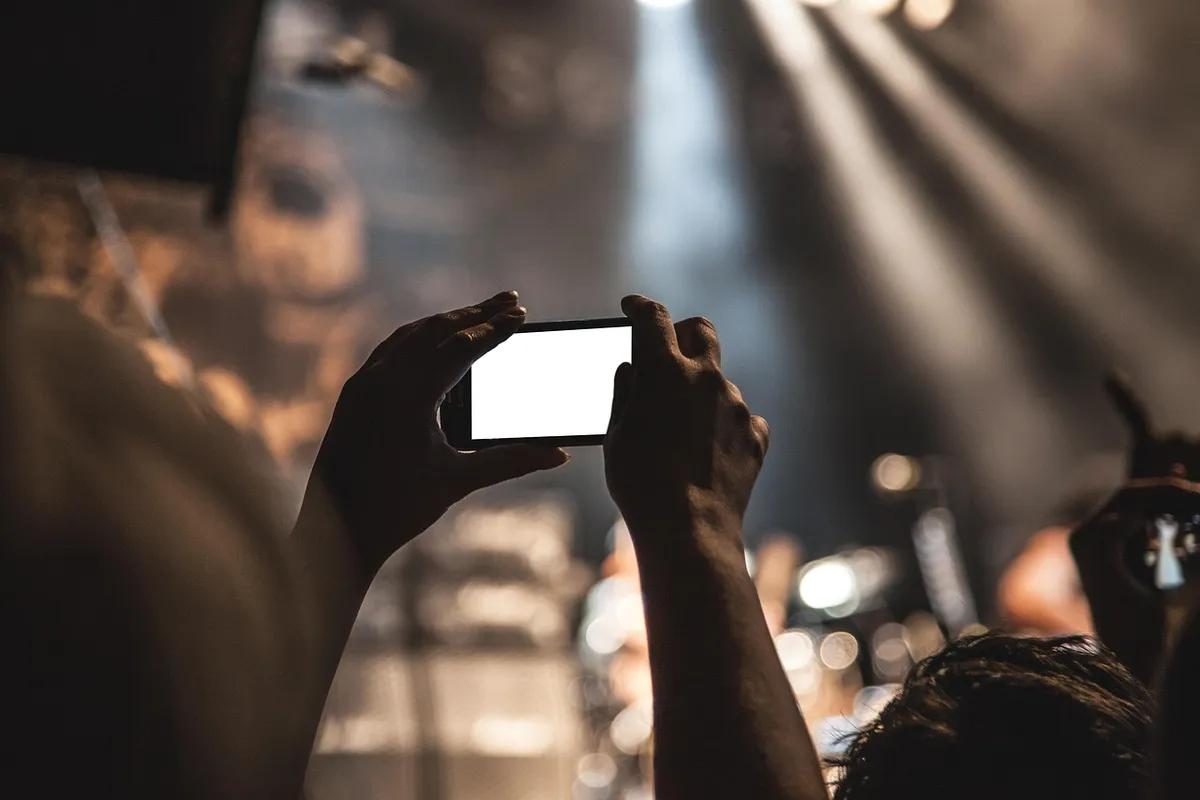
I remember adjusting the angle of a coffee cup on a wooden table to ensure the side light caught the steam perfectly.
- Observe the direction of the light source.
- Assess the intensity and harshness of the shadows.
- Adjust your position to balance exposure.
How to use phone photography lighting tips effectively?
An artist sets up a small LED panel on a tripod, carefully directing the beam toward a still-life arrangement to highlight specific textures. Using portable tools can bridge the gap between amateur snapshots and intentional photography.
Phone photography lighting tips often involve using whatever tools are at hand to manipulate light. Using a white piece of paper as a reflector can bounce light back into shadows, effectively filling them. Conversely, using a dark object can help block unwanted light and increase contrast.
Phone photography lighting tips should always include a check of the background. A bright light behind a subject can cause a silhouette effect, which is useful for artistic shots but can lose all facial detail.
Always ensure the background does not compete with the subject for the viewer's attention.
In this sequence, the second step is the most detailed.
What are the limitations of mobile light?
A user tries to take a photo in a dark restaurant, but the image comes out grainy and blurry as the phone struggles to pull in enough light. Every technological advancement has constraints that dictate how much light can be successfully processed.
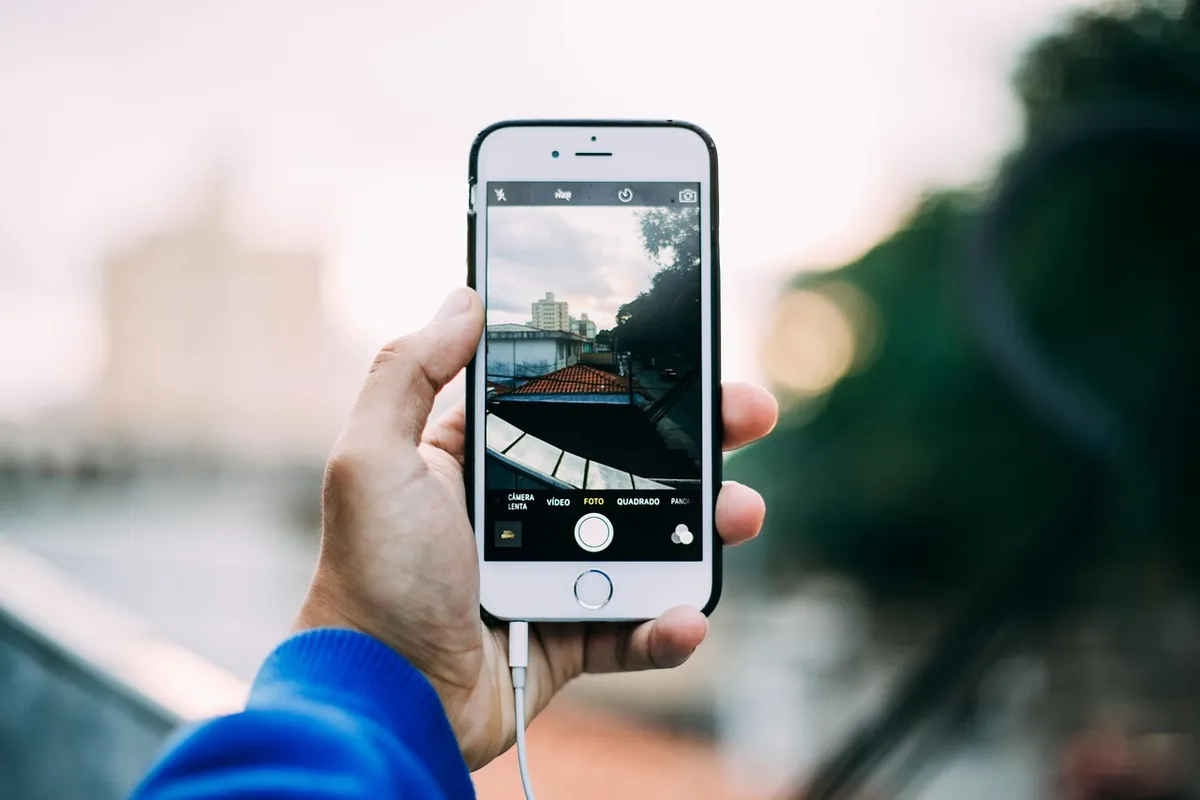
Mobile photography is limited by the physical size of the sensor and the lens aperture. Smaller sensors require more light to produce clean images, making low-light environments a significant challenge. This can result in digital noise, which appears as graininess in the final image.
A common limitation is the dynamic range, which is the ability of the sensor to capture detail in both the darkest and brightest parts of a scene simultaneously. In high-contrast situations, the phone may struggle to keep both the shadows and the highlights perfectly clear.
Small sensors struggle with low-light environments, often resulting in digital noise and loss of sharpness.
Related
- How Choosing lights for photography creates depth and shape
- Lighting guide: Why too much light makes portraits flat
How does the shift affect the use of mobile lighting?
- The shift to mobile editing means that users must compensate for smaller sensor limitations directly within the capture process. 2. Managing light intensity becomes paramount because the hardware constraints of modern smartphones are more apparent when processing images on the go. 3. Recognizing light direction is crucial when the user is not in a controlled studio environment, which is common with mobile use.
As computational photography evolves, the way software handles light shifts from manual adjustment to automated processing.
What conditions make mobile lighting challenging?
The primary challenge arises when the available light source presents a high contrast ratio. This condition forces the mobile processor to make difficult decisions regarding exposure, potentially sacrificing detail in either the brightest or darkest regions. The shift to mobile editing amplifies this issue because immediate feedback is required.
When dealing with low light, the sensor's need for more light directly correlates with the appearance of digital noise. This noise becomes a noticeable artifact when the image is viewed on a smaller screen typical of mobile devices.
A cautious approach to light selection mitigates this inherent hardware limitation.
When applying mobile photography lighting tips, one must always consider the context of the shift to mobile editing. If the environment is unpredictable, relying on natural, diffused light offers the most reliable path to a high-quality result.
Wikipedia: Mobile phone Based on the retained excerpt mentioning Improved Mobile Telephone Service: The advances in mobile telephony have been traced in successive "generations", starting with the early zeroth-generation (0G) services, such as Bell System's Mobile Telephone Service and its successor, the Improved Mobile Telephone Service.





Comments 0