Mobile photo archive guide: 6 minutes for photo management
"The goal of creating a lasting digital archive is to capture the essence of a moment before it fades into a sea of unorganized data."
A successful mobile photo archive guide focuses on balancing ease of sharing with organized storage to prevent data loss. This involves understanding how user experience shapes our digital habits and implementing structured workflows for downloading and categorizing images.
Key takeaways include managing transfer speeds, understanding the emotional impact of user experience, and applying systematic organization to personal collections.
How does user experience shape a mobile photo archive guide?

In the quiet morning sun, she swipes through the screen with a gentle finger, feeling the smooth glass of her mobile device as she organizes memories.
A photographer sits on a wooden bench, tapping a smartphone screen to select a vibrant landscape shot. The interface responds instantly, reflecting the seamless interaction required for modern digital management.
In the context of a mobile photo archive guide, this means the interface must accommodate the user's emotions, beliefs, and physical responses during the process of organizing files.
When building a personal collection, the system, the user, and the context of use act as the three primary factors influencing how we interact with our digital assets. A well-designed mobile photo archive guide ensures that the technical tools do not obstruct the emotional connection to the images.
Effective digital photo management relies on these intuitive interactions to make archiving feel like a natural extension of photography.
However, these principles may be less effective when users prioritize rapid social sharing over long-term organization.
What are the technical challenges of digital photo management?
While sitting at the cluttered desk, he sighs at the slow progress bar on his mobile screen as the heat from the battery warms his palm.
A hand holds a phone over a desk, waiting for a progress bar to finish moving across the screen. The slow movement of the cursor highlights the friction between capturing a moment and securing it in an archive.

Technical constraints often dictate how much content we can successfully move into a permanent storage solution. For instance, historical data shows that it took 6 minutes to transfer a black-and-white image and 24 minutes for a color photo.
These varying speeds demonstrate why personal photo storage strategies must account for file types and data volume.
Effective mobile picture backup strategies must account for these time-intensive tasks to prevent user frustration. If a user is attempting to move large files, the time required can significantly impact their ability to maintain a consistent archiving routine.
Managing these delays is essential for maintaining a healthy digital workflow.
However, these challenges are less significant when managing small file sizes rather than high-resolution RAW formats.
How to build photo archive workflows for mobile users?
A person pulls a charging cable from a wall outlet and connects it to a tablet to begin a large file transfer. The quiet hum of the device fills the room as the first batch of images begins to move.
To ensure your collection remains intact, follow these three steps to establish a reliable routine:
- Select high-quality original files for primary storage to ensure longevity. 2. Organize files into dated folders immediately after the transfer process is complete. 3. Verify the integrity of the transferred files on the destination device.
I remember sitting at my desk, carefully checking each folder after a long transfer to ensure no colors were lost. This manual check ensures that the digital photo management process remains accurate and complete.
| Image Type | Transfer Time |
|---|---|
| Black-and-white | 6 minutes |
| Color | 24 minutes |

- Define the initial ingestion process for mobile captures.
- Establish metadata tagging protocols.
- Implement a regular backup routine.
What are the best photo sharing UX patterns for archiving?
A group of friends gathers around a small table, looking at a single smartphone screen to view a shared photo. The laughter and shared glances show the social nature of digital imagery.
The way we share images often dictates how we archive them, as social habits influence our organizational structures. For example, in Great Britain, 70% of online users engaged in image sharing in 2013; 64% of British users shared their photos through a social network.
This high level of engagement shows that sharing is often the first step in a digital lifecycle.
When considering user experience photo apps, the ease of social integration can either help or hinder an archive. A streamlined workflow allows users to move from social sharing to permanent storage without losing metadata or quality.
Understanding these patterns helps in selecting tools that support both social needs and long-term preservation.
However, these patterns might not apply to private, single-user storage environments.
How do we manage downloading photos for archive purposes?
A finger swipes through a gallery of high-resolution images on a tablet, pausing briefly on a sharp, detailed shot. The act of selecting specific images for backup requires careful thought.
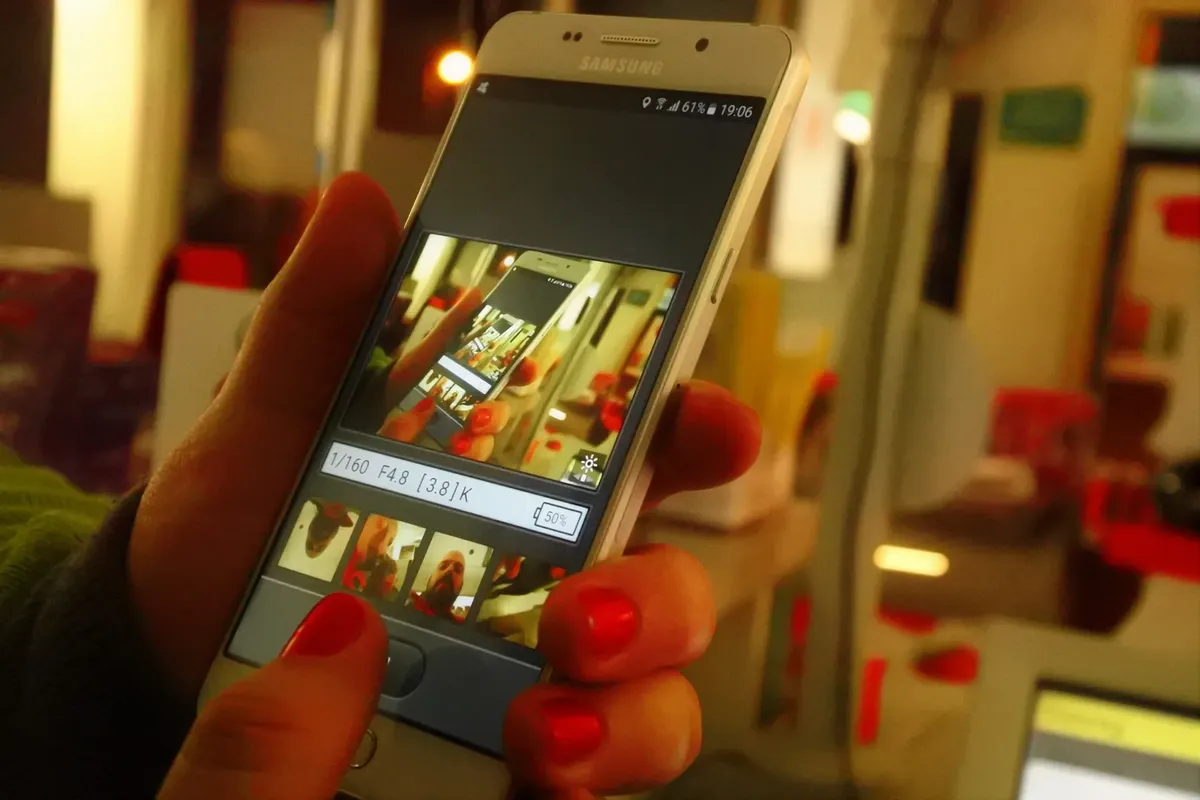
Moving files from social platforms or cloud services to local storage is a critical part of any archive strategy. This process requires careful attention to file integrity and metadata retention.
- Identify the source of the original files to prevent quality loss during the download. 2. Use stable internet connections to minimize the risk of corrupted files during transfer. 3. Perform a final check to ensure all selected assets are fully downloaded.
A single mistake in a download sequence can lead to missing data or broken files. Always verify that the file size on the destination matches the source before deleting the original.
I find that the second step in this process is the most time-consuming.
Related








Comments 0